
Anúncios
# HTML Article:
Voice assistants have revolutionized how we interact with technology, and Alexa stands at the forefront of this digital transformation, offering seamless voice command capabilities that simplify countless daily activities.
Anúncios


Amazon’s Alexa has transformed from a simple voice assistant into an indispensable companion for millions worldwide. Whether you’re managing your smart home, setting reminders, playing music, or getting weather updates, Alexa responds instantly to your voice commands, eliminating the need to manually interact with devices.
The beauty of Alexa lies in its versatility and continuous learning capabilities. As artificial intelligence evolves, so does Alexa’s ability to understand context, recognize different voices, and provide increasingly personalized responses that cater to individual preferences and household needs.
Anúncios
🏠 Transforming Your Home into a Smart Living Space
One of Alexa’s most celebrated features is its ability to control smart home devices through simple voice commands. Imagine walking into your home with groceries in both hands and simply saying, “Alexa, turn on the living room lights.” No fumbling for switches, no setting bags down—just instant illumination.
The integration possibilities are virtually endless. Alexa works seamlessly with thousands of smart home products, including:
- Smart lights from brands like Philips Hue, LIFX, and TP-Link
- Thermostats such as Nest and Ecobee for climate control
- Smart locks that enhance home security
- Security cameras for real-time monitoring
- Smart plugs that convert regular appliances into voice-controlled devices
- Robot vacuums that clean on command
Setting up these devices is straightforward. Most smart home products now feature Alexa compatibility out of the box. Simply enable the corresponding skill in the Alexa app, link your accounts, and start controlling everything with your voice. You can even create routines that trigger multiple actions with a single command.
Creating Custom Routines for Maximum Efficiency
Routines represent one of Alexa’s most powerful features. A routine is a sequence of actions triggered by a single phrase or scheduled time. For example, you might create a “Good Morning” routine that gradually turns on bedroom lights, starts your coffee maker, reads the day’s weather forecast, and plays your favorite morning playlist—all initiated by saying, “Alexa, good morning.”
Evening routines can be equally transformative. A “Bedtime” routine might lock all smart locks, turn off all lights except a bedside lamp, set the thermostat to your preferred sleeping temperature, and play relaxing sounds to help you drift off to sleep.
🎵 Your Personal Entertainment Hub
Music lovers find Alexa particularly compelling. The assistant integrates with major streaming services including Amazon Music, Spotify, Apple Music, Pandora, and more. Simply ask Alexa to play your favorite artist, genre, playlist, or even specific songs, and the music starts instantly.
Beyond music, Alexa excels at providing diverse entertainment options. You can listen to podcasts, audiobooks through Audible, radio stations from around the world, and even create personalized stations based on your listening history. The voice control eliminates the need to navigate through apps or menus—just speak naturally.
For audiobook enthusiasts, the integration with Audible is seamless. Ask Alexa to read your current book, and it picks up exactly where you left off. You can pause, rewind, fast-forward, or jump to specific chapters using only your voice, making it perfect for multitasking while cooking, exercising, or commuting.
Multi-Room Audio for Whole-Home Sound
If you have multiple Echo devices throughout your home, you can create speaker groups that play synchronized music in different rooms. Host a party and have the same playlist flowing through your living room, kitchen, and patio simultaneously. Or play different music in different zones to accommodate various moods and activities happening simultaneously.

📅 Staying Organized and Productive
Alexa serves as an excellent personal assistant for managing your schedule and tasks. Voice commands make it incredibly quick to add events to your calendar, set reminders, create shopping lists, and manage to-do items without interrupting your workflow.
The hands-free nature of voice commands proves especially valuable when you’re busy with other tasks. Cooking dinner and remember something you need from the store? Just say, “Alexa, add milk to my shopping list.” Working on a project and suddenly remember an appointment? Simply tell Alexa to schedule it.
Alexa can integrate with popular calendar services including Google Calendar, Microsoft Outlook, and Apple Calendar. Once connected, you can ask about your schedule, add new events, or receive reminders about upcoming appointments. The assistant can even provide traffic updates before scheduled events, ensuring you leave with enough time to arrive punctually.
Setting Smart Reminders and Alarms
Traditional alarms require navigating through menus and buttons, but Alexa simplifies everything. Say “Alexa, wake me up at 6:30 AM” or “Alexa, remind me to call Mom at 3 PM tomorrow,” and it’s done. You can set recurring alarms for weekdays, create named timers for cooking multiple dishes simultaneously, and even ask Alexa to remind you about tasks when you arrive at specific locations.
Location-based reminders work through the Alexa app on your smartphone. Tell Alexa to remind you to pick up dry cleaning when you’re near the cleaners, and you’ll receive a notification when your phone’s GPS detects you’re in the vicinity.
🍳 Kitchen Assistant and Recipe Guide
The kitchen represents one of the most practical environments for voice assistance. With hands often messy or busy, voice commands become invaluable. Alexa helps with unit conversions, timer management, and step-by-step recipe guidance without requiring you to touch your device with flour-covered fingers.
Ask Alexa how many tablespoons are in a cup, what temperature converts 200 Celsius to Fahrenheit, or how long to cook chicken breasts at 375 degrees. The assistant provides instant answers, keeping your cooking on track.
Many recipe websites and apps now offer Alexa skills that provide hands-free cooking instructions. Enable skills like AllRecipes, Food Network Kitchen, or SideChef, and Alexa will guide you through recipes step-by-step, pausing when you need more time and continuing when you’re ready for the next instruction.
Managing Multiple Timers Simultaneously
One of Alexa’s underrated kitchen features is named timers. When preparing complex meals with multiple components, you can set distinct timers: “Alexa, set a pasta timer for 11 minutes” and “Alexa, set a sauce timer for 20 minutes.” When each timer expires, Alexa announces which specific timer finished, preventing confusion and culinary disasters.
🛒 Simplifying Shopping and Reordering
Shopping becomes effortless with Alexa’s voice ordering capabilities. For Amazon Prime members, reordering frequently purchased items is as simple as saying, “Alexa, reorder paper towels.” The assistant places the order using your saved payment and shipping information.
The shopping list feature syncs across all your devices through the Alexa app. Add items by voice at home, then access the list on your smartphone while shopping at the store. Multiple household members can add to the same list, ensuring nothing gets forgotten.
Beyond Amazon purchases, Alexa integrates with various food delivery services. Order pizza from Domino’s, request a ride from Uber, or order groceries from Whole Foods—all through voice commands that save time and streamline everyday tasks.
📰 Staying Informed About the World
Alexa serves as your personal news broadcaster, delivering customized news briefings based on your interests. Enable news skills from sources like NPR, BBC, CNN, Fox News, or local stations, and Alexa compiles a personalized news summary you can listen to during breakfast or your morning routine.
Request specific information on demand: weather forecasts, traffic conditions, sports scores, stock prices, or updates on breaking news stories. The responses are concise and informative, delivering exactly what you need without overwhelming detail.
Flash Briefings can be customized in the Alexa app, allowing you to choose which news sources appear and in what order. Create different briefings for different times of day—perhaps technology news in the morning and entertainment updates in the evening.
👨👩👧👦 Family-Friendly Features and Parental Controls
Alexa offers several features designed specifically for families with children. Amazon Kids on Alexa provides age-appropriate content, parental controls, and educational experiences that make screen-free learning engaging and fun.
Parents can set daily time limits, filter explicit songs, review activity history, and create kid-friendly versions of Alexa with limited functionality. Children can ask Alexa for help with homework, listen to kid-appropriate jokes and stories, or play educational games that build vocabulary and math skills.
The Drop In and Announcements features help families communicate across rooms or even between homes. Use Drop In for video or audio calls between Echo devices, perfect for telling kids dinner is ready or checking on elderly parents. Announcements broadcast messages to all Echo devices simultaneously.
🏋️ Fitness and Wellness Companion
Fitness enthusiasts appreciate Alexa’s workout assistance capabilities. Numerous fitness skills offer guided workouts ranging from seven-minute HIIT sessions to yoga flows and meditation practices. Simply ask Alexa to start a workout, and follow along with audio instructions—no screen required.
Track your activities by logging workouts, counting calories, or monitoring water intake through compatible fitness skills. Alexa can also integrate with fitness trackers like Fitbit, providing voice access to your daily step count, heart rate, and sleep data.
Meditation and mindfulness skills help reduce stress and improve mental wellness. Request a five-minute breathing exercise, play ambient sounds for focus, or listen to guided meditations before bed. These features support holistic health beyond just physical fitness.
🔒 Privacy and Security Considerations
Understanding Alexa’s privacy features ensures you use the assistant confidently. Alexa only actively listens after detecting its wake word (usually “Alexa,” though customizable). Before that, the device processes audio locally without sending data to the cloud.
The Alexa app provides robust privacy controls. You can review and delete voice recordings individually or set automatic deletion schedules. Mute buttons on Echo devices physically disconnect the microphone when you want guaranteed privacy.
Voice profiles allow Alexa to recognize different household members and provide personalized responses while keeping individual information separate. This prevents others from accessing your personal calendar, messages, or shopping history through voice commands.
🌐 Expanding Capabilities Through Skills
Alexa Skills function like apps for your voice assistant, dramatically expanding functionality beyond built-in features. The Skills store contains over 100,000 skills covering virtually every category imaginable—from games and trivia to productivity tools and specialized services.
Popular skills include:
- Meditation and sleep sounds from Headspace and Sleep Sounds
- Language learning through services like Babbel
- Home workout guidance from Peloton and Daily Yoga
- Cooking assistance from AllRecipes and Gordon Ramsay
- Productivity tools like AnyList and Todoist
- Entertainment options including Jeopardy! and Would You Rather
Enabling skills takes seconds through the Alexa app or by voice command. Browse categories, read reviews, and add skills that enhance your specific lifestyle and interests.
💬 Natural Conversation and Context Understanding
Recent Alexa updates have significantly improved natural language processing, making interactions feel more conversational and less robotic. The assistant now better understands context, allowing follow-up questions without repeating the entire query.
For example, you might ask, “Alexa, what’s the weather today?” and follow up with “What about tomorrow?” without repeating “weather” in the second question. This contextual awareness creates smoother, more natural interactions that feel less like commanding a machine and more like conversing with an assistant.
Alexa also handles multiple requests in a single sentence, such as “Alexa, turn off the living room lights and set the thermostat to 68 degrees.” This compound command processing saves time and feels more intuitive than issuing separate instructions.
🔮 The Future of Voice Assistance
Voice technology continues evolving rapidly, and Alexa regularly receives updates that expand capabilities and improve accuracy. Machine learning allows the assistant to better understand accents, dialects, and individual speech patterns over time.
Emerging features include emotional intelligence that detects frustration or urgency in your voice, proactive suggestions based on your routines, and enhanced integration with third-party services. As smart home technology advances, voice control will become even more central to how we interact with our environments.
The integration of Alexa with vehicles, wearables, and additional IoT devices promises to extend voice assistance beyond the home, creating truly ubiquitous access to information and control wherever you go.
🎯 Maximizing Your Alexa Experience
Getting the most from Alexa requires some exploration and customization. Take time to browse available skills, experiment with routines, and adjust settings to match your preferences. The Alexa app provides helpful tips and suggestions based on your usage patterns.
Consider strategic placement of multiple Echo devices throughout your home. Having Alexa accessible in the kitchen, bedroom, living room, and even bathroom ensures you’re never far from voice assistance, regardless of which room you’re in.
Regularly check for software updates and explore new features Amazon introduces. The company frequently releases improvements and additions that enhance functionality, often adding capabilities to existing devices through simple software updates.
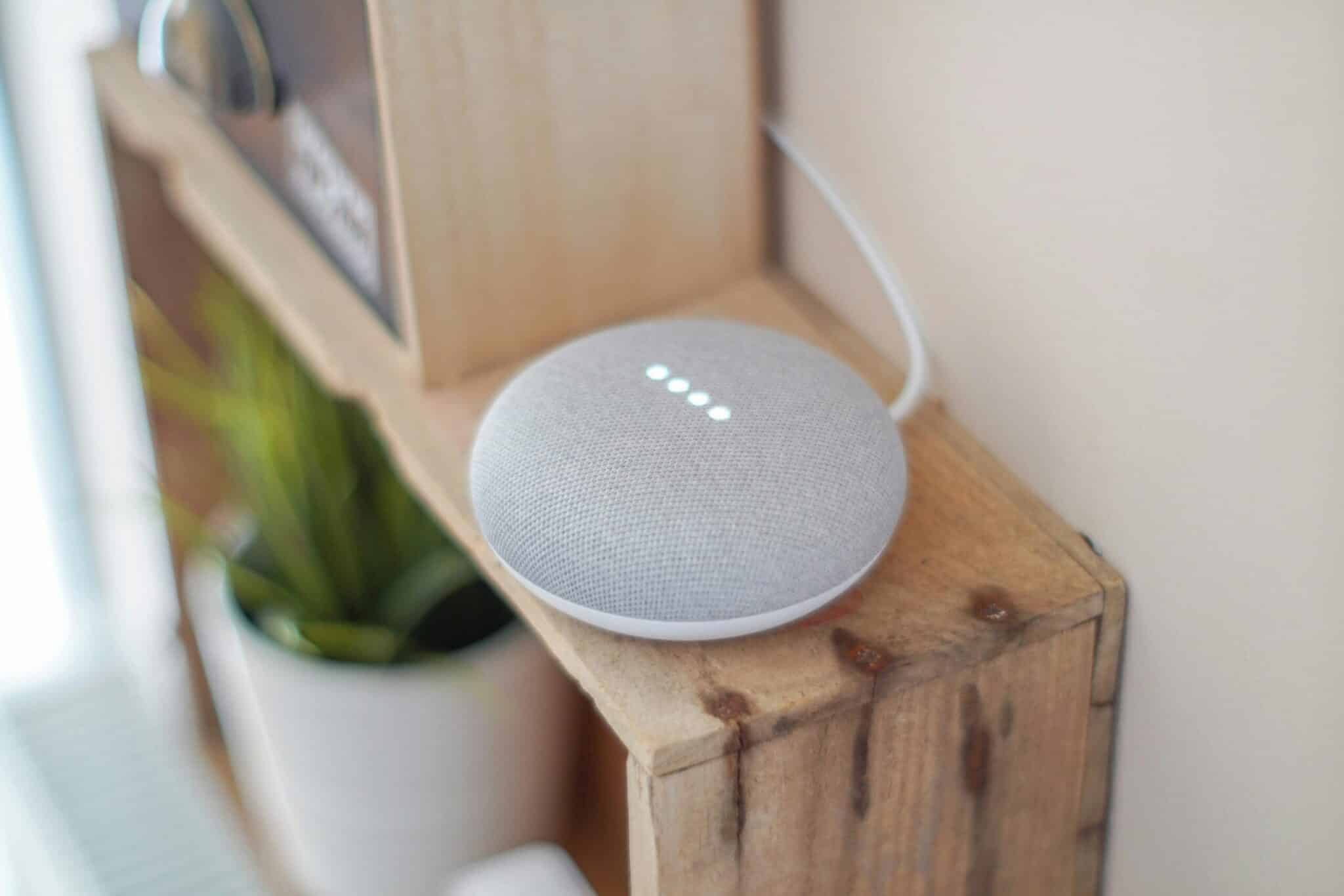
Voice assistance technology, exemplified by Alexa, represents a fundamental shift in human-computer interaction. By eliminating the need for screens, keyboards, and physical interfaces, voice commands make technology more accessible, efficient, and integrated into daily life. Whether controlling your home, managing schedules, enjoying entertainment, or staying informed, Alexa demonstrates how natural conversation can replace complex user interfaces. As the technology continues advancing, voice assistants will become even more intuitive, personalized, and indispensable, truly fulfilling the vision of ambient computing that responds seamlessly to our needs and intentions. Embracing these tools now positions you at the forefront of this transformative technological evolution. 🚀
