
Anúncios
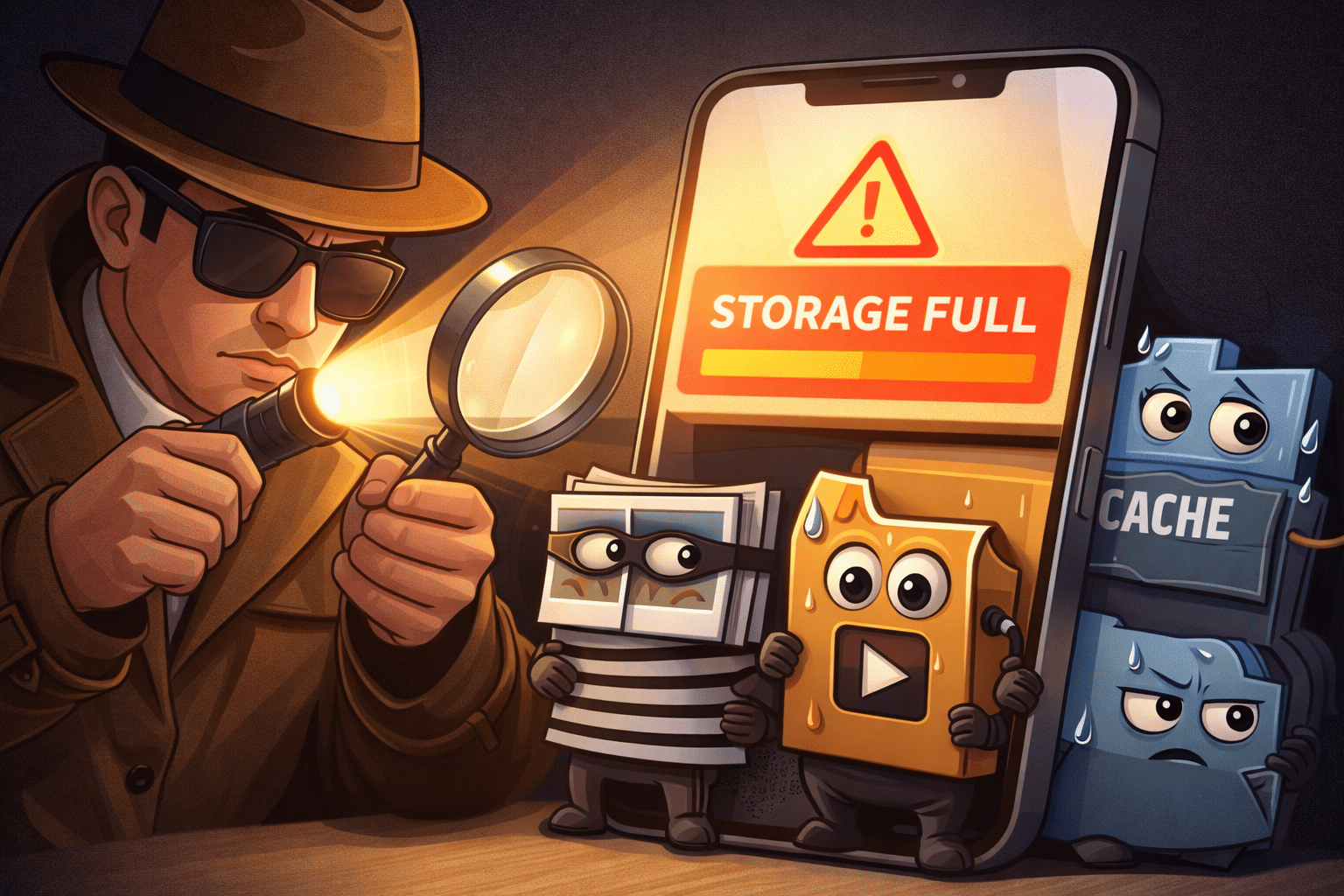
Running out of storage space on your phone can be incredibly frustrating, especially when you need to capture important moments or download essential apps. The good news? You’re about to discover simple, effective solutions to reclaim your device’s memory and keep it running smoothly.


We’ve all been there—trying to take a photo only to see that dreaded “Storage Full” notification pop up. Your phone slows down, apps won’t update, and suddenly that device you rely on daily becomes a source of constant annoyance. Storage issues aren’t just inconvenient; they can significantly impact your phone’s performance and your daily productivity.
Anúncios
The reality is that modern smartphones accumulate digital clutter faster than ever before. Between high-resolution photos, video recordings, app caches, downloads, and countless other files, your storage disappears before you know it. But don’t worry—this comprehensive guide will walk you through proven strategies to free up space and prevent future storage crises.
📱 Understanding Why Your Phone Runs Out of Space
Before diving into solutions, it’s essential to understand what’s actually consuming your precious storage. Most people assume photos and videos are the main culprits, but the truth is more complex. Your phone stores various types of data, some visible and some hidden from plain sight.
Anúncios
Apps are often the biggest space hogs, not just because of their installation size but due to accumulated cache data, downloaded content, and temporary files. Social media apps like Facebook, Instagram, and TikTok can easily balloon to several gigabytes as they store images, videos, and cached content for faster loading times.
System files and operating system updates also require substantial space. Your phone needs sufficient free storage to install security patches and feature updates. Without adequate space, your device becomes vulnerable to security risks and misses out on performance improvements.
🧹 Quick Wins: Immediate Actions to Free Up Space
Let’s start with the fastest methods to reclaim storage right now. These techniques require minimal effort but can instantly free up significant space on your device.
Clear App Cache and Data
App cache files accumulate over time and can consume gigabytes of storage without you realizing it. Clearing these cached files won’t delete your personal data or login information—it simply removes temporary files that apps can regenerate as needed.
On Android devices, navigate to Settings > Storage > Cached Data and tap to clear. For individual apps, go to Settings > Apps, select the specific app, and choose “Clear Cache.” iOS handles cache differently, but you can offload unused apps by going to Settings > General > iPhone Storage and selecting “Offload Unused Apps.”
Delete Downloads and Duplicate Files
Your Downloads folder often contains files you viewed once and completely forgot about—PDFs, images, documents, and installation files that serve no purpose anymore. Regularly reviewing and clearing this folder can free up substantial space.
Duplicate photos are another common problem. You might have multiple versions of the same image from burst mode photography or repeated downloads. Manually identifying duplicates is tedious, which is why dedicated cleaning apps can save you hours of work.

📸 Managing Photos and Videos Effectively
Photos and videos are usually the most emotionally valuable data on your phone, making them the hardest to delete. However, they’re also the largest space consumers, especially with modern cameras shooting in 4K resolution and capturing every moment in stunning detail.
Embrace Cloud Storage Solutions
Cloud storage services offer an excellent solution for keeping your memories safe while freeing up local storage. Google Photos provides free storage with quality compression or paid plans for original quality. Apple users have iCloud, while platform-agnostic options include Dropbox, OneDrive, and Amazon Photos.
The key is setting up automatic backup. Once configured, your photos upload in the background whenever you’re connected to Wi-Fi. After confirming successful backup, you can safely delete local copies, knowing they’re securely stored in the cloud and accessible anytime.
Be Selective About What You Keep
Not every photo deserves permanent storage. We all take multiple shots of the same scene, blurry images, accidental screenshots, and photos that simply didn’t turn out well. Dedicating time each month to curate your photo library can prevent storage from spiraling out of control.
Consider creating a habit of reviewing recent photos weekly. Delete the obvious rejects immediately, keep the best versions, and be honest about images that hold no real value. This proactive approach prevents the overwhelming task of sorting through thousands of photos later.
🎮 App Management Strategies That Actually Work
Apps multiply quickly on our devices. We download games, productivity tools, social platforms, and utilities—many of which we rarely or never use after the initial excitement wears off. Effective app management is crucial for maintaining adequate storage.
Uninstall Unused Applications
Take an honest inventory of your installed apps. When did you last open that game? Do you really need three different weather apps? Is that fitness tracker you downloaded with New Year’s resolutions still serving you in July?
Most phones provide usage statistics showing when you last used each app. On Android, check Settings > Apps and sort by last used. iOS users can view this under Settings > General > iPhone Storage. If you haven’t opened an app in months, it’s safe to uninstall it. You can always reinstall later if needed.
Use Lite Versions of Popular Apps
Many popular apps offer “Lite” versions designed specifically for devices with limited storage and slower internet connections. Facebook Lite, Messenger Lite, Twitter Lite, and others provide core functionality while consuming significantly less space and data.
These lightweight alternatives typically use 10-20% of the storage required by their full-featured counterparts. While they may lack some advanced features, they deliver the essential functionality most users actually need daily.
💾 Leveraging Storage Cleaning Apps
Manual cleaning is effective but time-consuming and easy to neglect. Specialized cleaning apps automate much of this process, identifying junk files, large unused files, duplicate photos, and optimization opportunities you might miss manually.
Quality cleaning apps scan your entire device, categorize content, and present clear recommendations for what to delete. They identify app caches, old downloads, temporary files, and residual data from uninstalled apps—all the hidden clutter consuming your storage.
When choosing a cleaning app, prioritize those with strong privacy policies and transparent permissions. The apps linked in this article are reputable options trusted by millions of users worldwide, offering comprehensive cleaning features without compromising your personal data security.
🎵 Audio Files and Music Libraries
Music lovers often overlook how much space their audio collection consumes. A single high-quality album can occupy hundreds of megabytes, and extensive offline libraries quickly consume gigabytes of storage.
Stream Instead of Store
Streaming services like Spotify, Apple Music, YouTube Music, and others offer vast music libraries without requiring local storage. While offline downloads are convenient for areas with poor connectivity, most people can rely primarily on streaming and download only their most-played playlists.
Review your downloaded music and podcasts. Delete episodes you’ve already listened to and albums you rarely play. Most streaming services allow you to re-download content anytime, so there’s little risk in clearing your offline library.
📧 Message and Conversation Cleanup
Messaging apps accumulate enormous amounts of data over time. WhatsApp, Telegram, and similar platforms store every photo, video, voice message, and document shared in your conversations. A single active group chat can consume hundreds of megabytes weekly.
Configure your messaging apps to automatically delete old media or prevent automatic downloads. In WhatsApp, go to Settings > Storage and Data > Manage Storage to identify and delete large files. You can also set media to automatically delete after a specific period.
For SMS and iMessage, older conversations with extensive media attachments can be surprisingly large. Review old threads and delete unnecessary messages, especially those with video attachments or numerous photos.
🔧 Advanced Techniques for Power Users
If you’ve exhausted basic methods and still need more space, these advanced techniques can help squeeze out every possible megabyte.
Move Files to SD Card (Android)
Many Android devices support expandable storage via SD card. If your phone has this option, moving photos, videos, and even some apps to external storage can dramatically free up internal memory. Go to Settings > Storage and look for options to move content to your SD card.
Compress Files Before Storing
For documents, PDFs, and files you need to keep but rarely access, compression can reduce file sizes by 50% or more. Various apps can compress files directly on your phone, maintaining accessibility while minimizing storage consumption.
Review System Storage
Sometimes system files themselves become bloated. On Android, a factory reset (after backing up important data) can clear accumulated system clutter. iOS devices can benefit from offloading and reinstalling problematic apps that have grown unreasonably large.
🛡️ Preventing Future Storage Problems
Freeing up space is one thing; keeping it free requires building sustainable habits. Prevention is always easier than cure when it comes to phone storage.
Set a monthly reminder to review your storage situation. Spend 15 minutes clearing caches, deleting unused apps, and curating photos. This small investment prevents the frustration of sudden storage crises and keeps your phone running optimally.
Adjust your settings to prevent automatic downloads in messaging apps. Disable auto-save for social media apps that cache endless content. Configure cloud backup to happen automatically so you never lose important data while maintaining local storage freedom.
📊 Understanding Storage by File Type
| File Type | Average Size | Cleaning Priority |
|---|---|---|
| 4K Videos | 350-400 MB/min | High |
| High-Res Photos | 3-8 MB each | Medium |
| App Caches | 50-500 MB per app | High |
| Music Files | 5-10 MB per song | Medium |
| Documents/PDFs | 1-5 MB each | Low |
🚀 The Impact of Free Storage on Performance
Beyond simply having space for new content, maintaining adequate free storage directly impacts your phone’s performance. Operating systems need breathing room to manage memory efficiently, install updates, and handle temporary files during normal operations.
Experts recommend keeping at least 10-15% of your total storage free. This buffer ensures your phone can perform necessary background tasks without constant storage-related errors. You’ll notice faster app loading times, smoother multitasking, and improved overall responsiveness.
When storage drops below critical levels, phones often enter a self-protective mode, limiting background processes and preventing certain operations. This creates a degraded user experience that goes beyond simply not being able to download new apps or take photos.
🌟 Taking Control of Your Digital Space
Storage management might seem tedious, but it’s an essential skill in our increasingly digital lives. Your smartphone is a powerful tool that deserves proper maintenance to function at its best. By implementing the strategies outlined in this guide, you’ll never again face that frustrating “Storage Full” notification at the worst possible moment.
Start with the quick wins—clear caches, delete obvious junk, and remove unused apps. Then build sustainable habits around cloud storage, regular cleanup sessions, and mindful downloading. Consider using dedicated cleaning apps to automate and simplify the process, ensuring your device stays optimized with minimal ongoing effort.
Remember that your phone is meant to serve you, not frustrate you. With these tools and techniques, you’re now equipped to maintain a clean, fast, and storage-efficient device that’s ready whenever you need it. Take action today, and enjoy the freedom of a phone that works exactly as it should—with plenty of space for what matters most to you.
